Widgets
Paper
Renders markdown content with an optional action panel. Use this component to display results, summaries, or any read-only content.
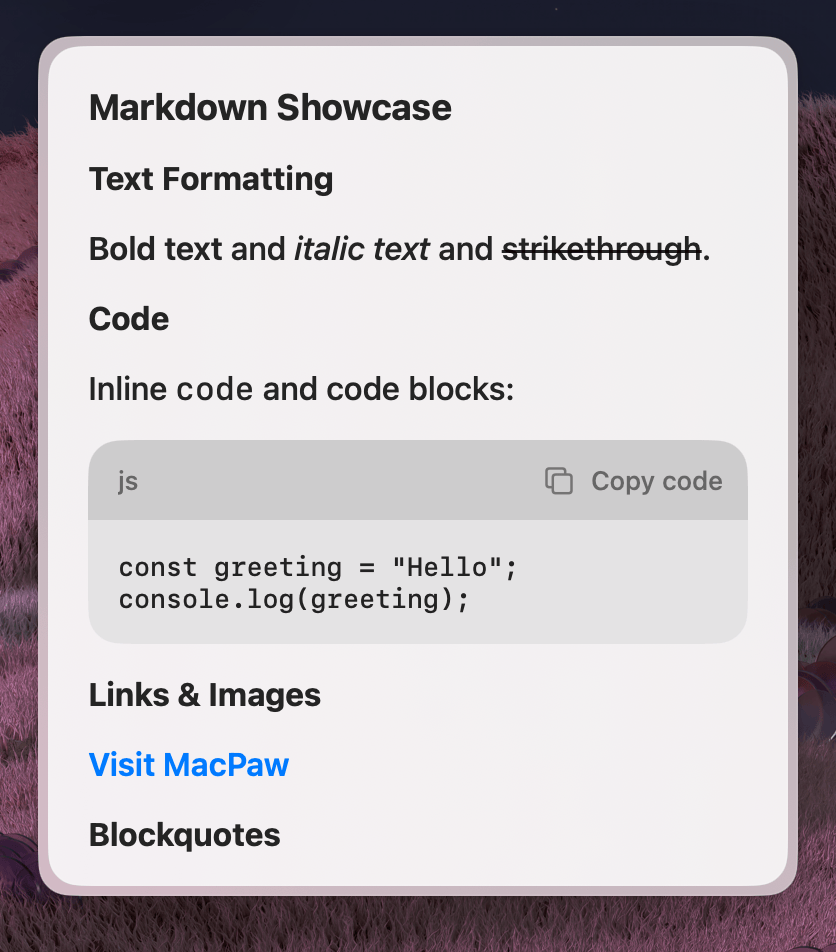
Properties
| Property | Description | Type | Default | Required |
|---|---|---|---|---|
markdown | Markdown string to render | string | — | No |
actions | A reference to an ActionPanel | React.ReactNode | — | No |
isScrollable | Whether the content area is scrollable | boolean | — | No |
Usage
To use the component, import it from the @eney/api library and pass your Markdown string to the markdown prop.
Basic
A simple way to display a single line of Markdown:
<Paper markdown="Hello **world**" />Scrollable content
For long content, enable scrolling:
<Paper markdown={longMarkdown} isScrollable />With actions
Pair with an ActionPanel to let users interact with the displayed content, such as copying the result to their clipboard:
import { Paper, Action, ActionPanel } from "@eney/api";

function ResultView(props: { result: string }) {
  const actions = (
    <ActionPanel>
      <Action.CopyToClipboard content={props.result} title="Copy" />
    </ActionPanel>
  );

  return <Paper markdown={props.result} actions={actions} />;
}